Falling Pickaxe Demo – Play the Free Version
Play the official Falling Pickaxe demo below. The game is supplied by Pixmove and uses virtual credits, with no deposit required on this website.
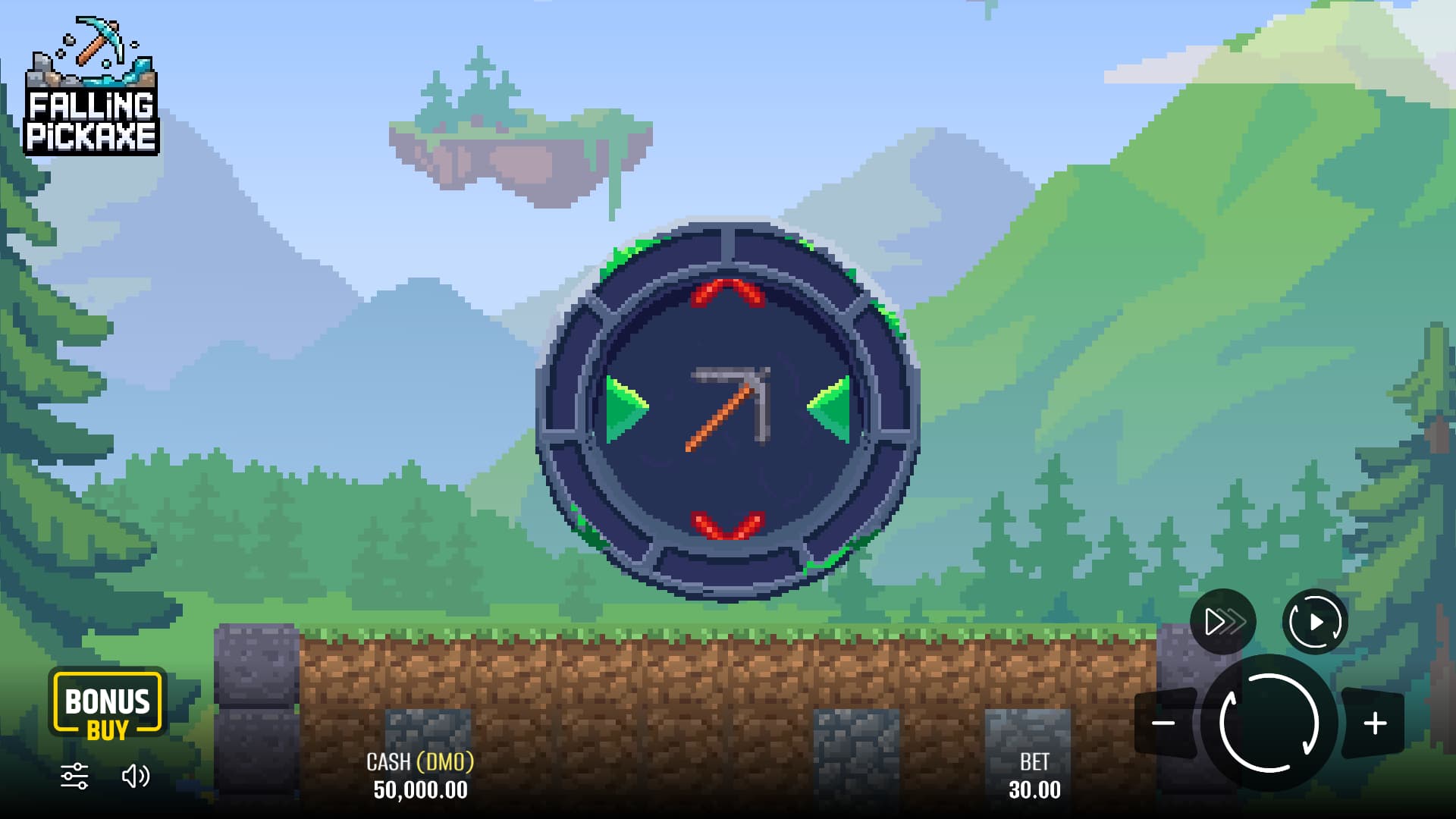
Select Play Demo to load the game from Pixmove.
How to Play the Demo
- Press Play Demo in the player above.
- Wait for the provider’s game to load.
- Read the in-game rules, choose a virtual amount and start a round.
- Use Full Screen for a larger view, or Restart Demo to request a fresh demo session.
The player loads the game directly from Pixmove’s demo service. Virtual credits have no cash value and cannot be withdrawn. Access can depend on your location and the availability of the provider.
If the embedded game is unavailable, open the demo on Pixmove’s website.
What Happens in a Demo Round
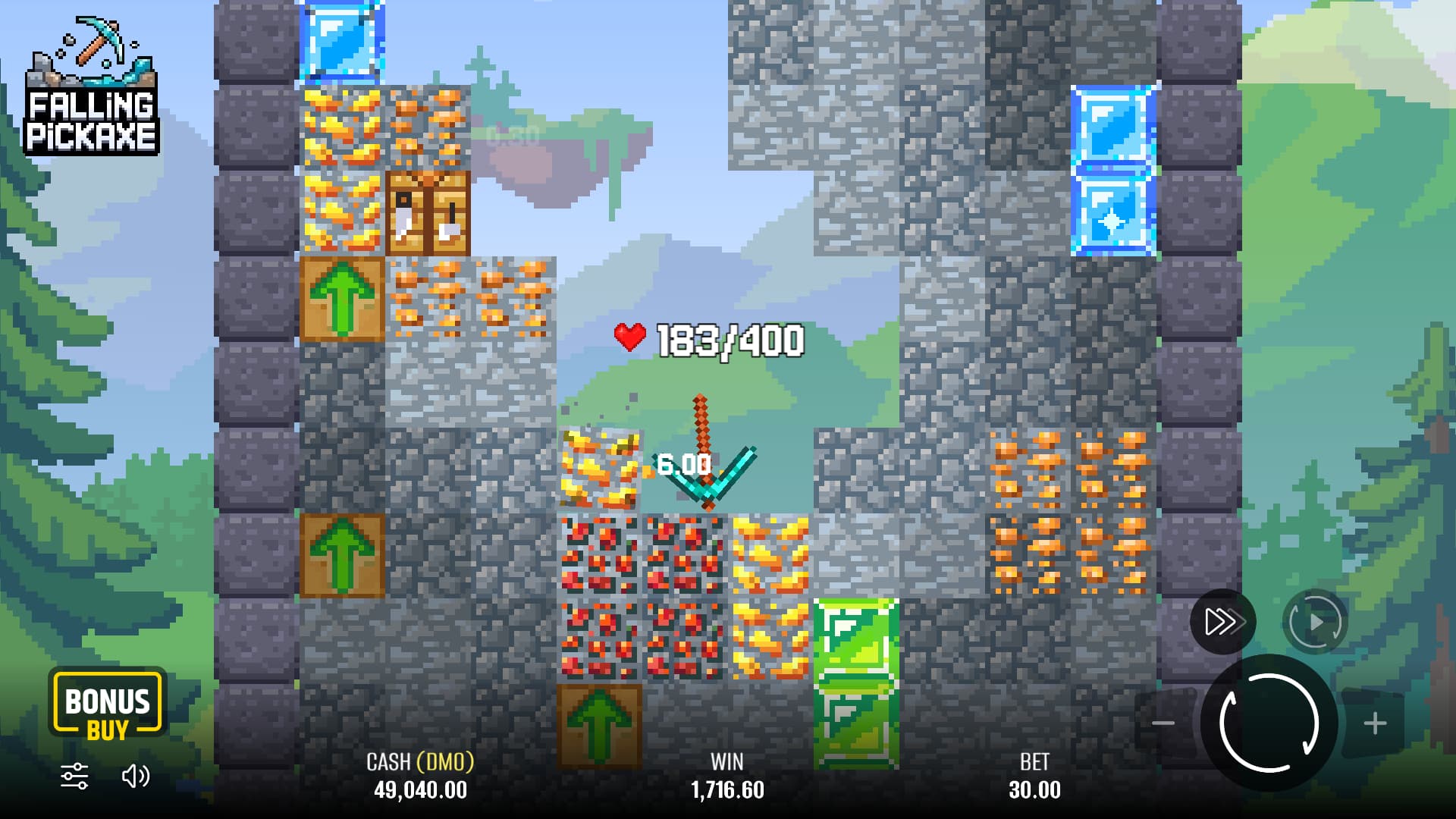
The opening reel can award one of four pickaxes or a Cross. A Cross gives no tool. When you receive a pickaxe, it falls through the mine automatically, using up durability as it hits blocks. Minerals can contribute to the return, while TNT, upgrade arrows and workbenches affect the descent.
The demo is useful for learning these events. Start by finding the life display, then watch how a collision or repair changes it. You do not need to click the tool or time a strike. The animation follows the round’s random outcome.
Demo Credits and Real Money
Demo credits have no cash value. They cannot be withdrawn, transferred into a payment account or treated as a bonus you have earned. Their purpose is to let you see the game and its controls.
A profitable demo session does not establish a strategy for real-money play. The next session can finish differently. What the demo can help you judge is the game itself: whether the pace suits you, whether you can read the interface and whether you enjoy watching the automatic fall.
Trying the Demo on a Phone
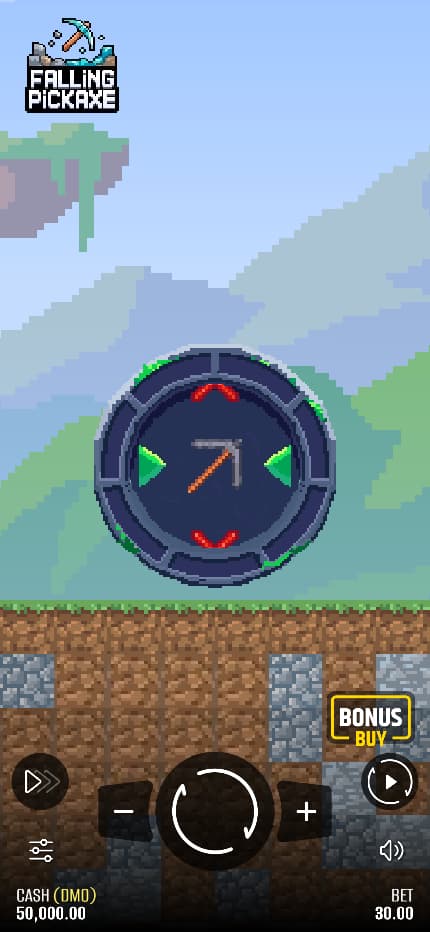
Use the demo player on this page from your phone’s browser. Look at the selected amount, durability and final return before starting repeated rounds. Those labels matter more than how closely the screen matches a promotional picture.
This guide does not provide an app or APK. If a separate site offers a download using the game’s name, verify its source rather than assuming it is connected to Pixmove.
If the Demo Does Not Load
Check that the browser has finished loading the provider’s page and that your connection is working. If a control or important label is missing, avoid using the game until the display is clear.
The provider may also limit access by location or temporarily take the service offline. A loading problem does not mean that you need to deposit money or install a file from another website. For account or payment questions, contact the service holding the account.
Demo Questions
Can I withdraw a demo win?
No. Demo credits are virtual and cannot be exchanged for money.
Do I need to deposit on this site?
No. This site does not accept deposits. The embedded player uses Pixmove’s demo service and virtual credits.
Why are the amounts different from the screenshot?
A screenshot captures one view of the game. A live demo can show a different balance, language, selected amount or layout.
Does the demo have a winning strategy?
The descent is automatic and the result is random. Learning to read the screen does not let you control the next result.