Falling Pickaxe on Mobile – Browser Play and Downloads
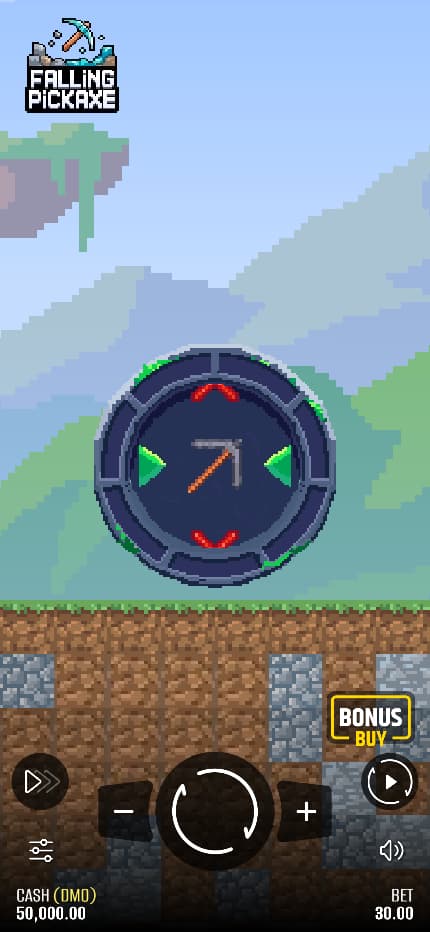
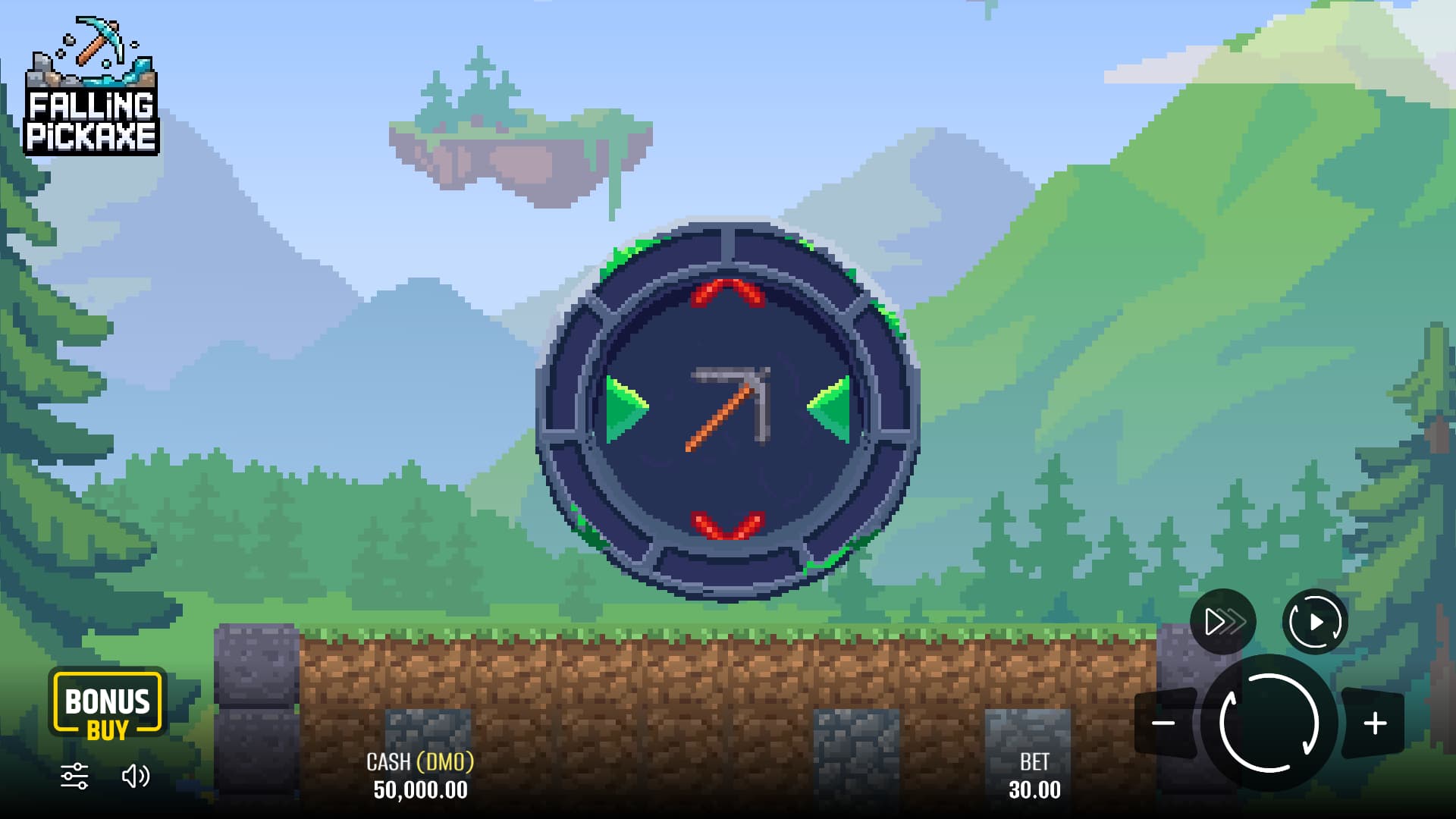
Pixmove shows Falling Pickaxe in both landscape and portrait layouts. The portrait view places the mine above the controls, with the pickaxe moving down the middle of the screen. You can start from the developer’s game page in a mobile browser to check current availability on your device.
How to Open Falling Pickaxe on Mobile
- Open Pixmove’s official Falling Pickaxe page in your browser.
- Select PLAY DEMO if it is available in your location.
- Allow the game to finish loading.
- Check the mode, selected amount and rules before starting.
The demo is hosted by the provider. This guide does not supply a separate app, APK or installation file. A website using the same game name is not necessarily an official download source.
The Mobile Layout
The vertical mine suits a phone screen because the main action follows the same direction as the display. The controls remain a separate part of the interface. Find them before you begin tapping around the playing field.
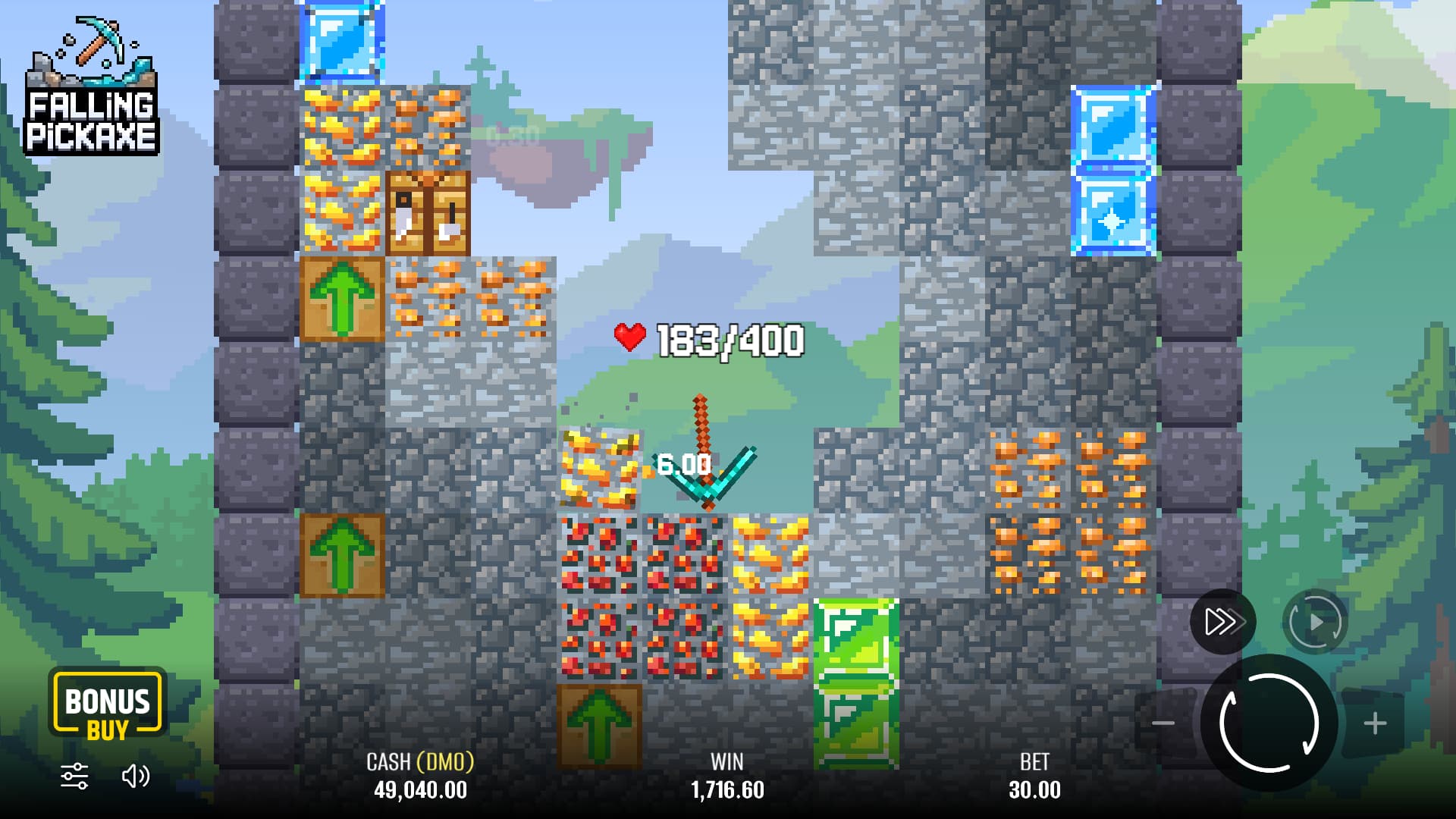
You should be able to read the stake amount, the remaining life and the settled result comfortably. A screen that technically fits can still be awkward on a small device. Use virtual credits to check those labels on your own phone.
The screenshots on this page show the layout and artwork. Their balances and return figures are part of the images, not a starting balance or result you should expect when the game opens.
Playing on a Phone or Tablet
Choose the device on which the controls are easiest to read. Screen size changes the presentation; it does not turn the automatic round into a skill game or give you better odds.
During a fall, the pickaxe moves without steering input. There is no need to follow it with your finger or repeatedly press the screen. Concentrate on the life display if you want to understand why the sequence continues or stops.
If you are playing through an operator, use its current mobile instructions. Account access, payment methods and regional availability belong to that service and may differ from the public demo.
Loading Problems on Mobile
If the game is slow, check your connection and whether other pages load normally. Let the provider page finish before deciding that a button has failed. Repeated taps make an unfamiliar interface harder to follow.
If the mode, amount or result is unreadable, stop until the display issue is resolved. You should not have to guess which control you are using. A provider restriction or unavailable service cannot be fixed by installing an unrelated file.
For a problem involving money or an account, contact the operator holding that account. This guide cannot check a balance, verify a payment or confirm the status of a round.
Mobile App and Download Questions
Is there a Falling Pickaxe APK here?
No. This site does not distribute apps or installation files. Use the developer’s page to identify the game and its current access options.
Does the game work on every phone?
We cannot confirm every device or browser. Open the official demo on the phone you plan to use and check loading, readable text and controls.
Can I use a tablet?
You can read this guide on a tablet. Access to the actual game depends on the provider and the browser you use.
Is it easier to win on mobile?
The mining round remains automatic. Choose a screen because it is comfortable to use, not because you expect it to change the random outcome.